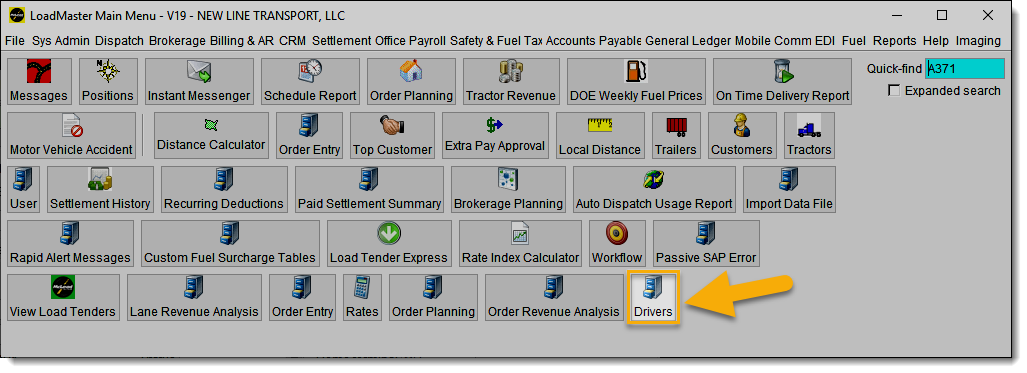
Recently, Kaih reported an issue where she clicks on an icon in LoadMaster and tries to update a driver's information. When she clicks execute, the application spins and hangs.
Procedure:
- We began troubleshooting by accessing the driver’s information directly from the LoadMaster menu. During this process, we were unable to reproduce the issue..
- This observation led us to suspect that the shortcut (represented by an icon) used to access driver information might be faulty..
- To test this theory, we deleted the existing shortcut and created a new one. After testing, we confirmed that the application no longer experienced spinning or hanging.
- This indicates that the original shortcut had become corrupted.
Conclusion:
In future troubleshooting scenarios within LoadMaster, consider the possibility of corrupted shortcuts as a potential cause of similar issues